Set Clock
To edit the system time and date, select "Set Clock" to open the clock setup screen (image 1.1). All emails, records, and event timestamps use this HMI time — ensure the date and time are set correctly.
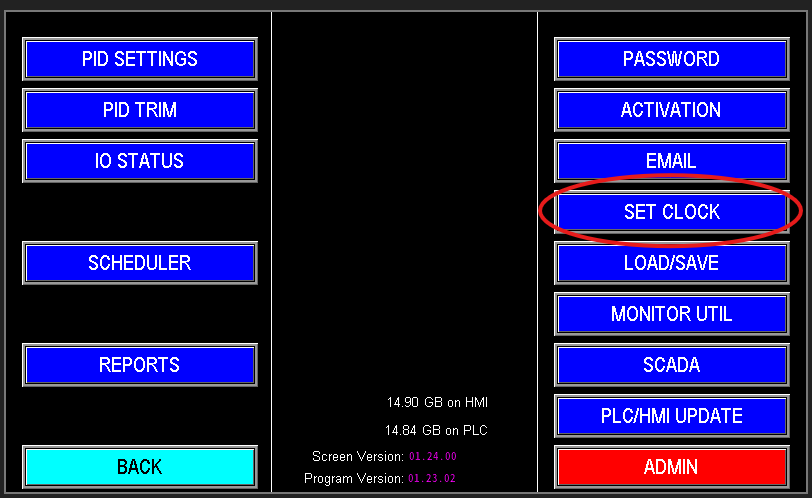
1.1 Set Clock
Set Clock — Date & Time Entry (Image 1.2)
Enter the date (MM/DD/YY) and time using the 24‑hour format. After completing all fields, press "Update Clock" to apply the new values.
Note: All fields (date and time) must be filled before updating; partial entries will not be accepted.
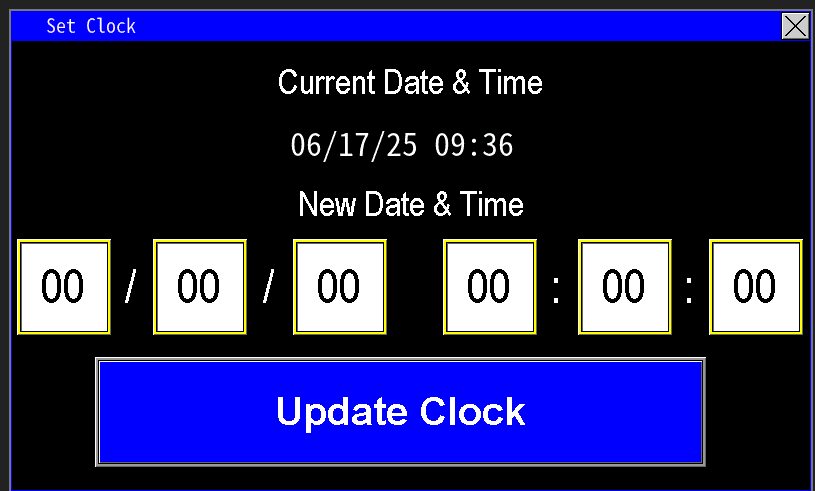
1.2 Set Clock