Password Protection
To prevent unauthorized changes while the station is unattended, configure a password under the Password tab (image 1.1). Enabling a password locks access to HMI screens and settings, protecting the system from inadvertent or incorrect adjustments by untrained personnel.
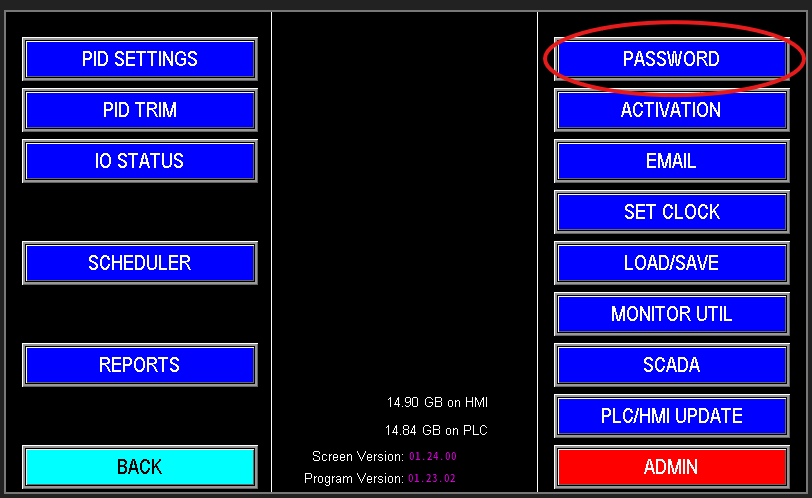
1.1 Password Tab
When you enter the Password screen you are immediately prompted to create a password (Image 1.2). Enter the desired password and press Enter. The screen will then display the password protection status and allow you to enable or disable password protection (Image 1.3).
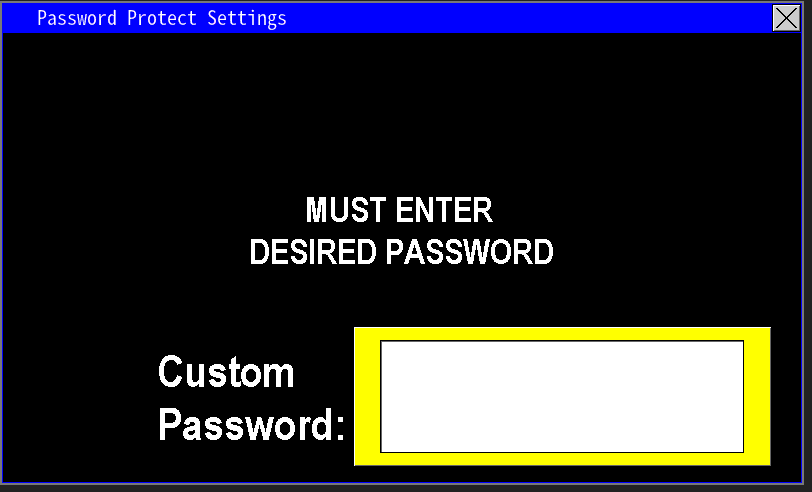 1.1 Enter password |
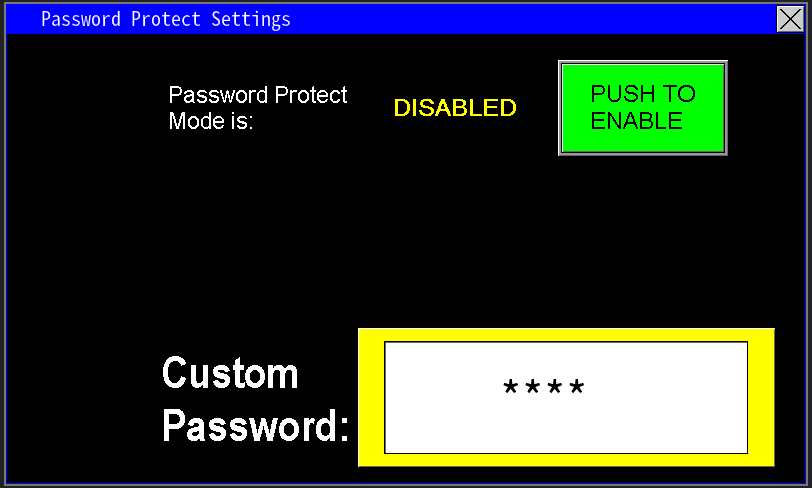 1.3 Password entered and not enabled |
When password protection is enabled, the HMI returns to the menu screen. Navigation remains available, but any attempt to modify settings requires reentry of the password. The screen will automatically relock after a few minutes of inactivity, requiring the password again.
To disable password protection, return to the Password screen and select “Push to Disable.” You will be prompted to enter the password; after entering the correct password, confirm the disable action. Password protection will then be removed and settings will be accessible without authentication.
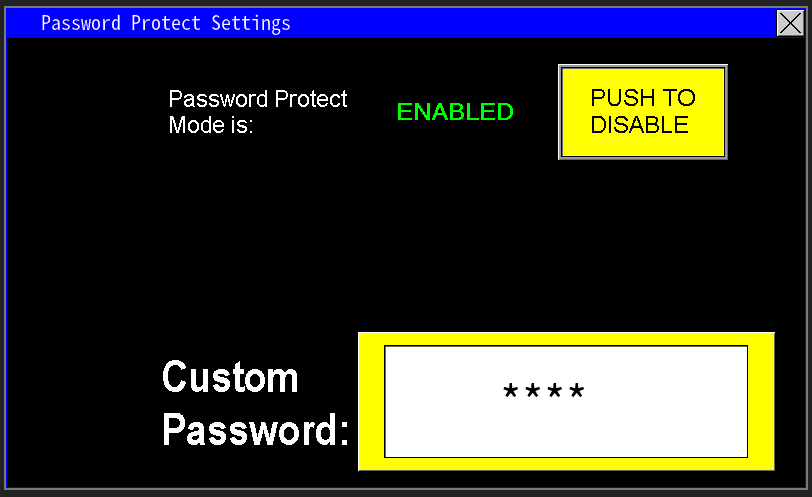
1.4 Password enabled